🚚 Free Worldwide Shipping on All Orders!Shop Now
1 / 7
+2
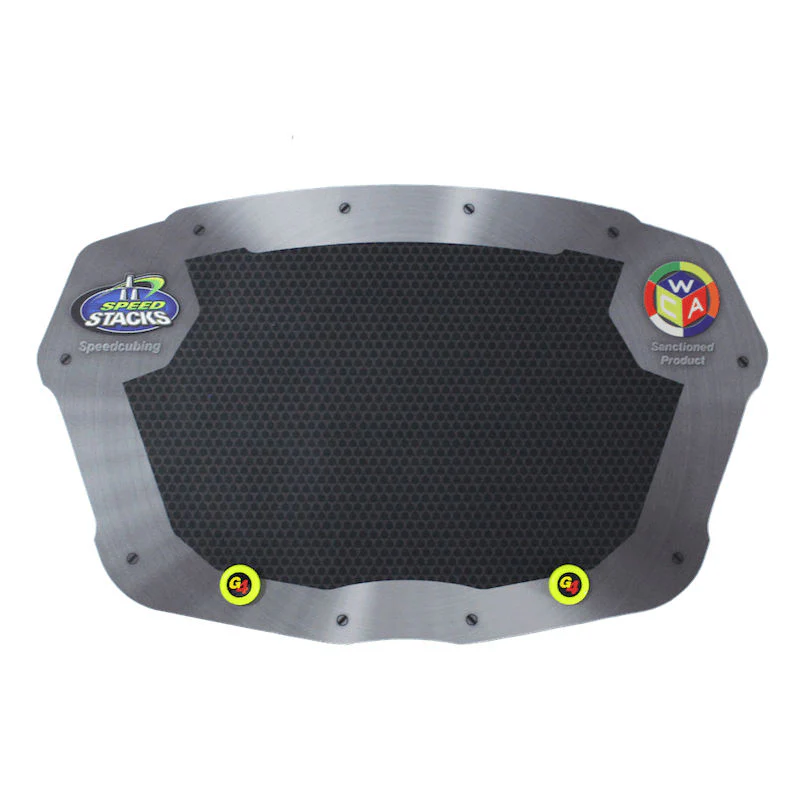
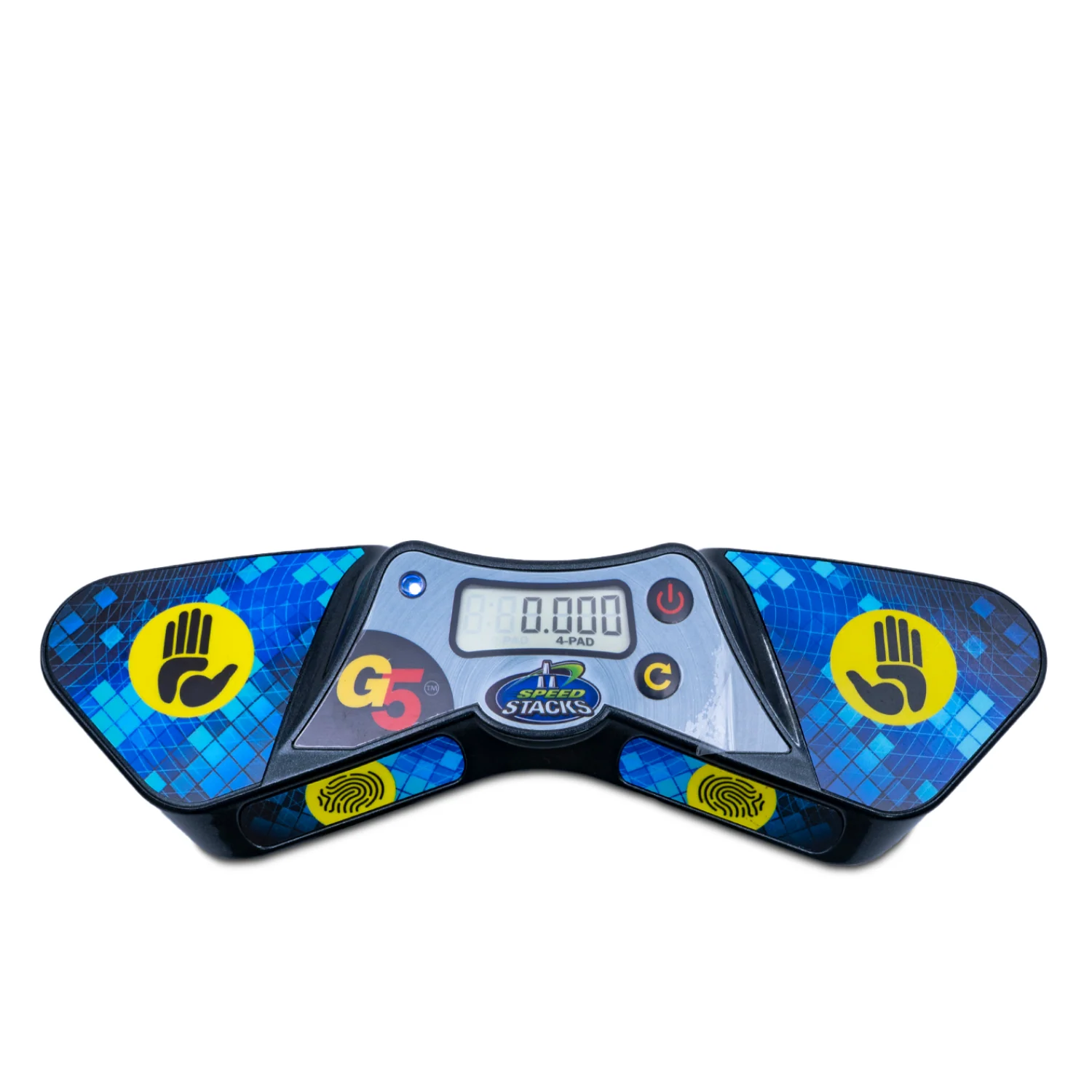
Speedstacks G5 Pro Timer
Enhance your speed stacking experience with the Speedstacks G5 Pro Timer. Designed for precision and accuracy, this timer is an essential tool for competitive speed stackers, enthusiasts, and beginners alike.
New features:
- No more accidental timer resets! Both power and reset buttons must be held for a half-second before they activate.
- Reinforced button design to prevent premature wear.
- New shape! The G5 is now smaller and more compact.
- Two start/stop modes. Press and hold the Reset button for 5 seconds to toggle between "2-Pad" and "4-Pad" modes.
- "2-Pad" mode requires you to place your fingertips on the two pads to start/stop timing.
- "4-Pad" mode requires you to use both your fingertips and thumbs to start/stop timing.
- Auxiliary cord plug-in is now found underneath the timer to prevent it from being unplugged by mistake.
Enhance your speed stacking experience with the Speedstacks G5 Pro Timer. Designed for precision and accuracy, this timer is an essential tool for competitive speed stackers, enthusiasts, and beginners alike.
New features:
- No more accidental timer resets! Both power and reset buttons must be held for a half-second before they activate.
- Reinforced button design to prevent premature wear.
- New shape! The G5 is now smaller and more compact.
- Two start/stop modes. Press and hold the Reset button for 5 seconds to toggle between "2-Pad" and "4-Pad" modes.
- "2-Pad" mode requires you to place your fingertips on the two pads to start/stop timing.
- "4-Pad" mode requires you to use both your fingertips and thumbs to start/stop timing.
- Auxiliary cord plug-in is now found underneath the timer to prevent it from being unplugged by mistake.
Select Style
From $16.21
Original: $54.04
-70%Speedstacks G5 Pro Timer—
$54.04
$16.21Description
Enhance your speed stacking experience with the Speedstacks G5 Pro Timer. Designed for precision and accuracy, this timer is an essential tool for competitive speed stackers, enthusiasts, and beginners alike.
New features:
- No more accidental timer resets! Both power and reset buttons must be held for a half-second before they activate.
- Reinforced button design to prevent premature wear.
- New shape! The G5 is now smaller and more compact.
- Two start/stop modes. Press and hold the Reset button for 5 seconds to toggle between "2-Pad" and "4-Pad" modes.
- "2-Pad" mode requires you to place your fingertips on the two pads to start/stop timing.
- "4-Pad" mode requires you to use both your fingertips and thumbs to start/stop timing.
- Auxiliary cord plug-in is now found underneath the timer to prevent it from being unplugged by mistake.